 Maquette Studio
Coming soon to the App Store
Pose the figure. Frame the shot. Draw from it.
Maquette Studio is a 3D pose and scene reference tool for artists. Pose figures by hand, set up the camera like a real lens, and export line art, tone layers and depth maps that are ready to draw over.
- For iPad, iPhone and Mac. One purchase covers all three.
- Free to download, with a one-time unlock. No subscription.
Exports made for drawing
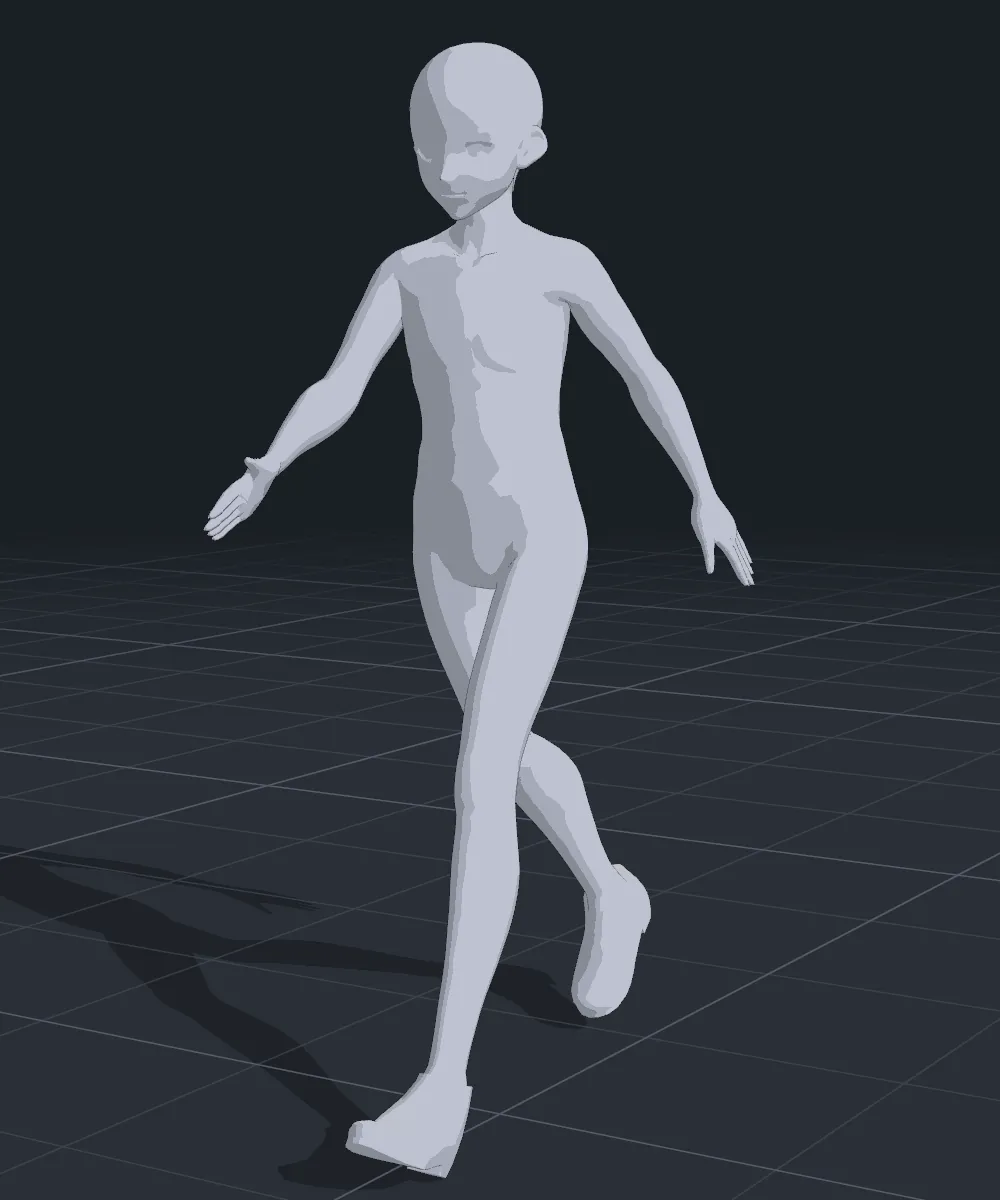
Every shot exports as the layers you actually draw with, from the working view or from any camera you have placed in the scene. These are the same frame, exported five ways.
-
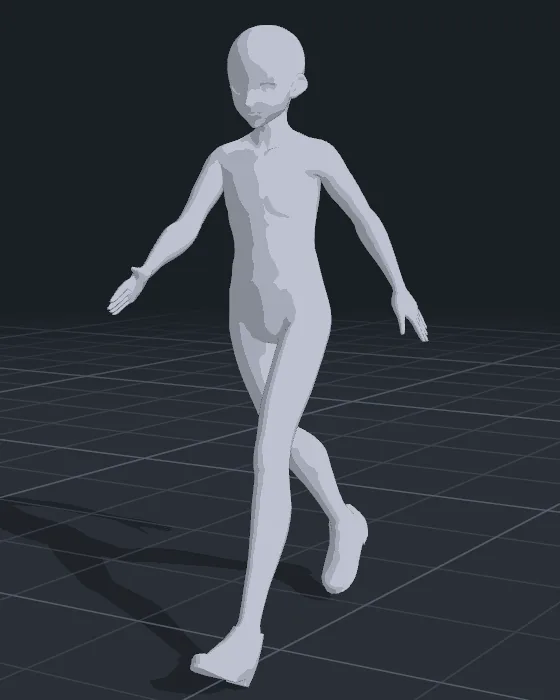
RenderThe shaded frame, opaque or with a transparent background. -

Line artAnti-aliased ink on transparency, or black on white. -

Tone layerShadow and half-tone bands, ready to put a screentone under. -
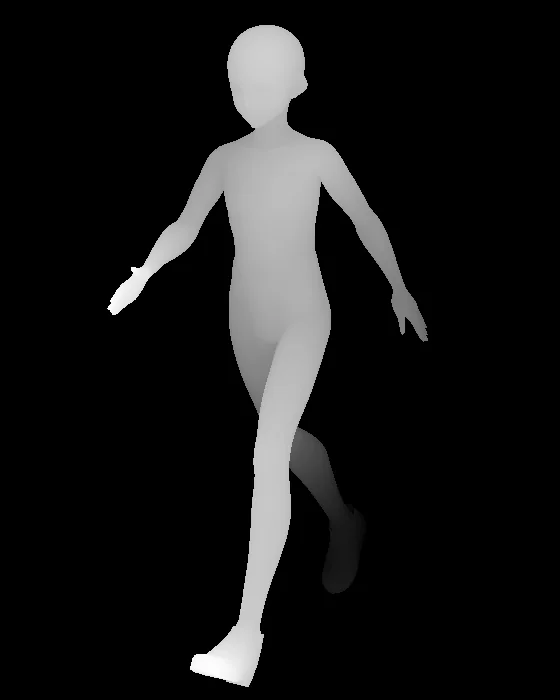
Depth mapNearer is brighter. -
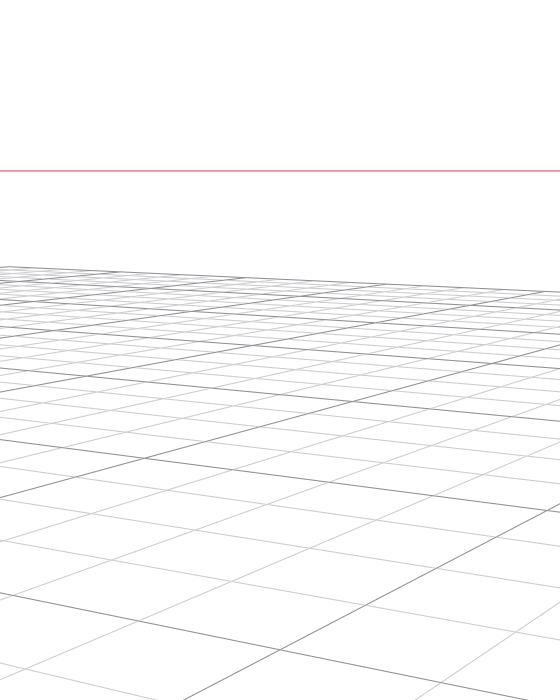
Perspective guidesHorizon, vanishing points and ground grid, matched to the camera.
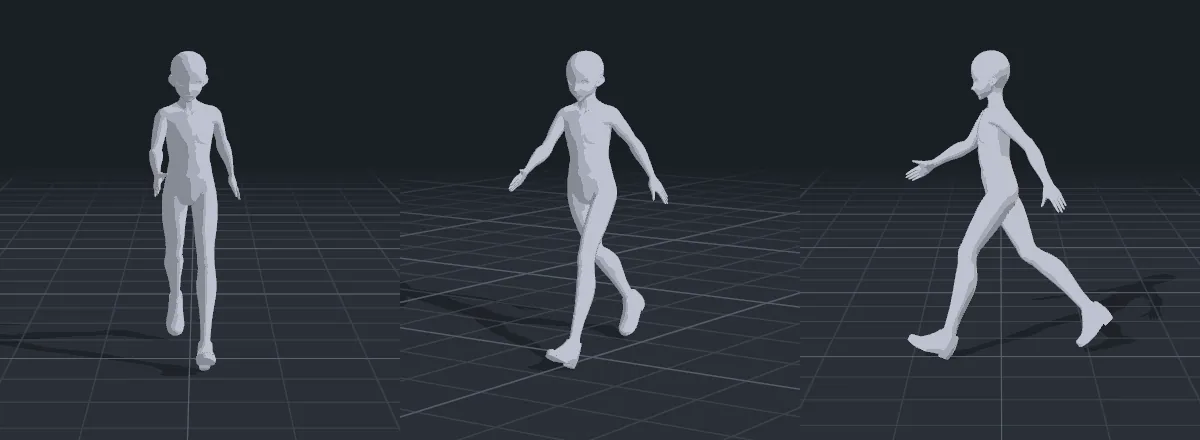
Animation clips and turntables export as PNG sequences or H.264 movies.
A camera that behaves like a lens
Choose a focal length in millimetres, switch to orthographic to check proportions, and place cameras in the scene that show the exact frame an export will hold.
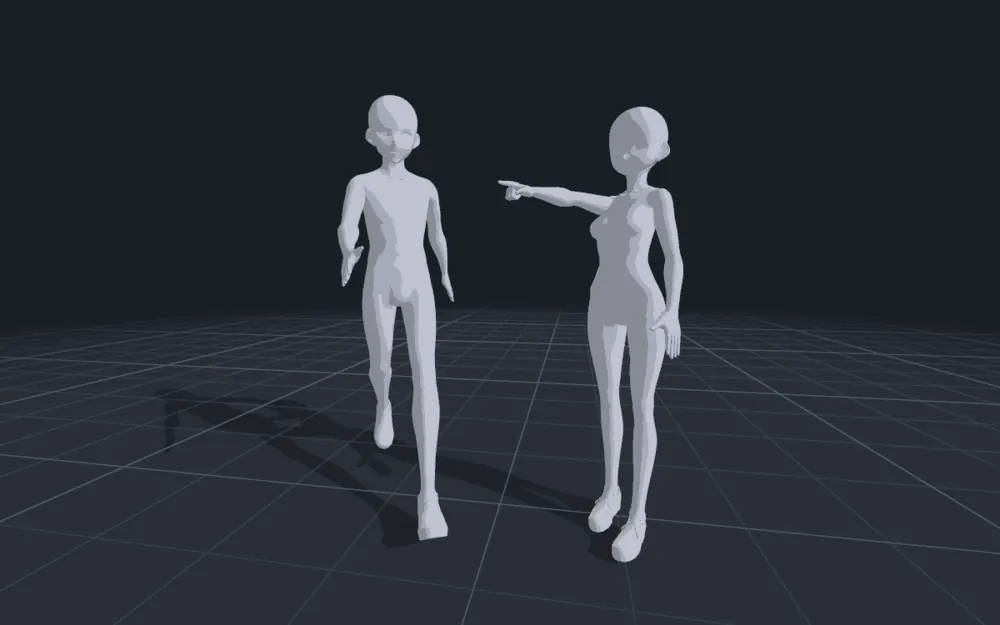
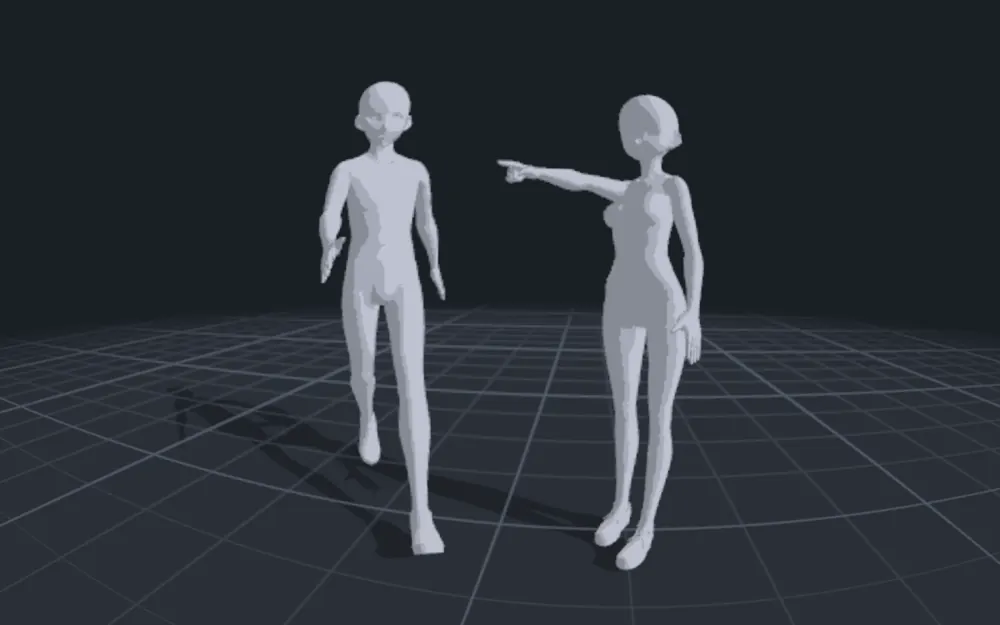
- Focal length and orthographicWide to portrait lenses, or no perspective at all.
- Scene camerasCameras placed in the scene draw their frame at their own aspect, and exports can be shot through them without leaving your view.
- Curvilinear lensFisheye or pincushion perspective on any scene camera.
- Depth of field and saved viewsFocus falloff in the render, and views you can save and return to.
Shading and light you can paint from
Toon shading with an ink outline, smooth matcap, or the figure's own textures. Key, fill and rim lights with an ambient lift shape the shadows the way you want to paint them.
-
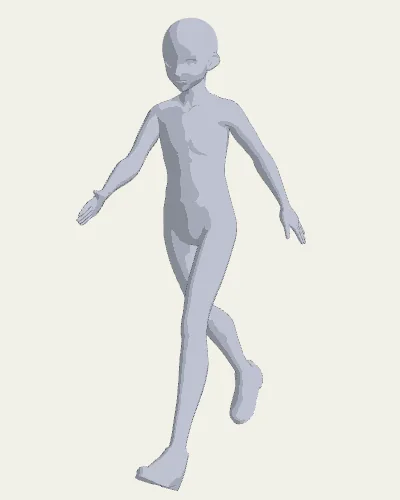
Toon with ink outline -
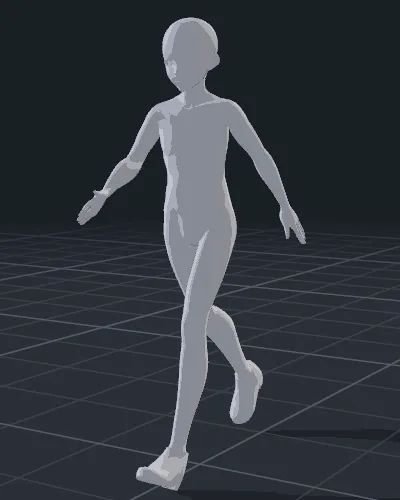
Toon, side key and rim light -
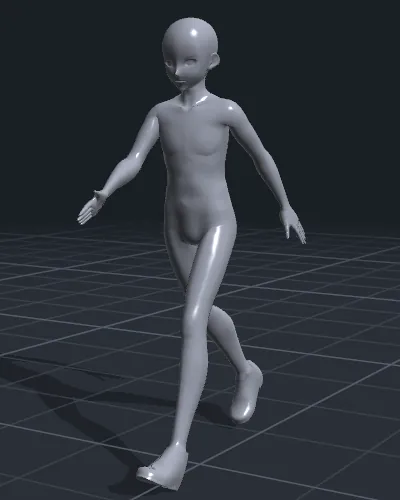
Matcap -
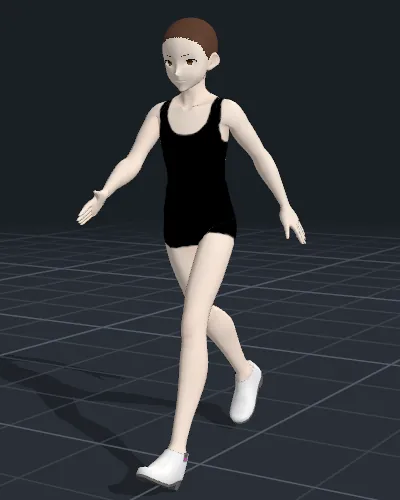
Textured
Pose from a photo, onto your own figure
Pick a photograph and the pose is found on the device with Apple's Vision framework. The skeleton is drawn over the picture, every joint can be dragged to correct it, and a side view sets depth before the pose lands on your figure.
- Stays on the deviceDetection runs locally. The photo is never uploaded.
- Nothing guessedJoints the detector is unsure of are skipped and left as they were, for you to place.
- Any figureThe pose is fitted to the figure's own bone lengths, so it works on tall, short and stylised bodies alike.
Your figures, your scene
Bring the characters you already draw, or start with the figures that come with the app.
- Your own modelsOpen VRM (0.x and 1.0) and glTF binary (.glb) figures.
- Poses that travelPoses are saved against the standard humanoid skeleton, so a pose made on one figure applies to another.
- Pose libraryStart from the bundled poses and stance presets, and keep your own saved poses beside them.
- Whole scenesSeveral figures in one scene, with props: built-in shapes or your own OBJ files, attached to a joint if you like, and reference pictures as image planes.
Posing by hand
Drag a hand or a foot and the limb follows, bending at the elbow or knee within human limits. Switch the limits off for poses no body could hold.
- Touch and Apple PencilPose with a finger or Apple Pencil on iPad and iPhone, or the mouse on Mac. Hover highlights the joint under the Pencil; with Apple Pencil Pro, squeeze for posing tools and roll the barrel to twist.
- Hands and facesHand presets for open, relaxed, fist and point, and the expressions your figure carries.
- ProportionsHead, shoulders, arms, torso, legs and height, with presets and your own saved body types.
iPad first, with iPhone and Mac in the same purchase
Built for iPad, touch and Apple Pencil. The same app runs on iPhone, and the native Mac version comes with the same purchase. Free to download, with a one-time unlock: no subscription, no account, no ads, no tracking.
Coming soon to the App Store